In brief
- Check your employer’s remote work policy before planning to work from another state or country.
- Confirm internet speed with your host, and have a backup such as a phone hotspot.
- Pick a destination with a manageable time difference from your team.
- Separate work hours from free time so you enjoy the place you came to see.
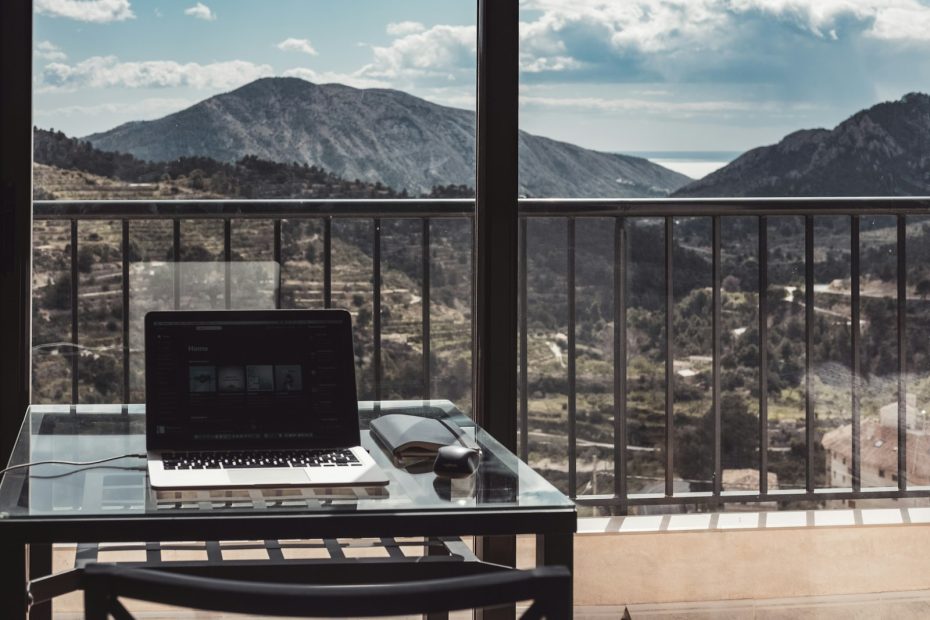
Working from somewhere new can make an ordinary week feel like an adventure. It can also go wrong fast if the internet drops before a meeting or the time difference keeps you up at night. A little planning keeps work smooth and leaves time to enjoy the trip.
Start with the rules
- Employer policy: some companies limit where employees can work, for tax, security or legal reasons. Ask before you book.
- Entry rules: working while visiting another country can require a specific visa. Check the destination’s official government website.
- Data security: follow your company’s rules on public Wi-Fi, devices and storing files.
Caution: Don’t assume a tourist entry covers remote work. Rules vary by country and can change, so confirm with official sources before you travel.
Choose a workable destination
| Factor | Easier | Harder |
|---|---|---|
| Time difference | Same or a few hours | Meetings in the middle of the night |
| Internet | Fiber or verified fast Wi-Fi | Unknown or rural connections |
| Workspace | Desk, good chair, quiet room | Couch or shared living area |
| Surroundings | Calm neighborhood | Nightlife districts, busy hostels |
- Time zones: a few hours’ difference is manageable; a big gap can mean late calls every day.
- Infrastructure: reliable power and internet matter more than a postcard view.
- Length: stays of two weeks or more make it easier to settle into a routine.
Set up your workspace
- Ask your host for a recent internet speed test and a photo of the desk area.
- Bring the small things you rely on at home, such as a laptop stand, a compact keyboard or good headphones.
- Plan a backup connection: a phone hotspot, local data or a nearby coworking space.
Our comparison of eSIM, local SIM and roaming plans explains your options for mobile data.
Try this: Test everything on the first day, before any important meeting: a video call, upload speed, power outlets and adapters. Our plug adapter guide covers the last two.
Consider a coworking space
- A coworking space offers reliable internet, a proper desk and a change of scene.
- Many offer day passes or weekly memberships, which suit short stays.
- They’re also an easy way to meet other remote workers and get local tips.
Keep a routine
- Set fixed work hours and share them with your team.
- Plan outings for mornings, evenings and weekends.
- Take a day or two fully off if you can; it’s still a trip.
Make the most of the free time
- Choose a base with things to do within walking distance, so short breaks feel worthwhile.
- Save bigger excursions for weekends.
- Keep evenings free of work email when possible.
The bottom line
Check your employer and entry rules first, choose a destination with workable time zones and verified internet, and set up a backup connection. Then protect your free time; it’s the reason you went.
FAQ
Can I work remotely from another country on a tourist visa?
It depends on the country and your situation. Some countries offer special visas for remote workers, while others restrict any work. Check the destination’s official government website and your employer’s policy.
How do I make sure the Wi-Fi is good enough?
Ask your host for a recent speed test result, read reviews that mention the internet and bring a backup, such as a phone hotspot or a local data plan.
What’s a good length for a workcation?
Many people find two weeks or more works well. It gives you time to settle into a routine and still enjoy evenings and weekends.